Your cart is currently empty!
Tag: OCR
-
How AI Reads Insurance Papers: A Guide to Intelligent Document Processing
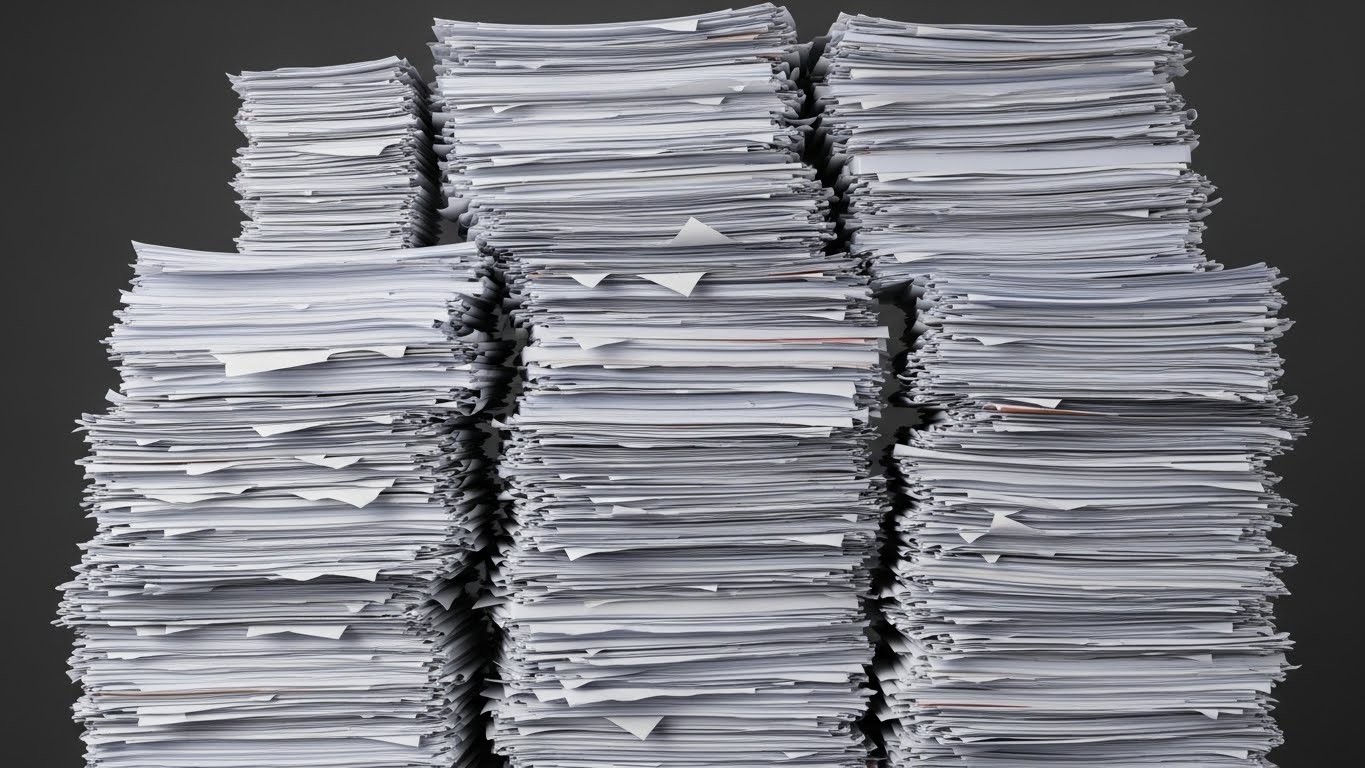
Imagine you have a giant mountain of homework. It is taller than your house! Every page is different. Some are typed neatly, some have messy handwriting, and some have coffee stains on them. Your teacher says, “You must read all of this and type it into the computer by tomorrow, or you fail!”
Scary, right? well, this is exactly what big insurance companies in the USA deal with every single day. They get millions of papers—forms, medical reports, letters, and emails. In the past, they had to hire thousands of people to sit at desks and read these papers one by one. It was boring, slow, and expensive.
But now, they have a secret weapon. It is called Intelligent Document Processing (IDP). It is like a super-smart robot that can read faster than any human. Let’s learn how this Digital Transformation in Insurance is changing everything!
1. The Big Problem: Too Much Paper!
In America, when you want to insure your car or your house, you have to fill out forms. When you have an accident (like a tree falling on your roof), you send in pictures and bills. All of these are “documents.”
For a long time, insurance companies were buried under a “Paper Mountain.” Because people are slow at reading and typing, everything took a long time.
Think about it: If your car gets dented, you want it fixed now. You don’t want to wait three weeks because someone at the insurance company hasn’t read your email yet.That is why Insurance Digitisation is so important. It means turning that paper mountain into digital data that computers can understand instantly.
2. What is Intelligent Document Processing (IDP)?
You might ask, “Can’t computers already read?” Well, sort of.
The Old Way: OCR (The Eye)
There is an old technology called OCR for insurance (Optical Character Recognition). Think of OCR like a camera. It can take a picture of a page and say, “I see letters here.” But it doesn’t understand what it is reading. If it sees the number “1000,” it doesn’t know if that is dollars, a year, or the number of cats you own.
The New Way: IDP (The Brain)
Intelligent Document Processing (IDP) is different. It uses Artificial Intelligence (AI). It doesn’t just see the letters; it understands them.
Analogy: If OCR is like a parrot that repeats words without knowing what they mean, IDP is like a smart student who reads a story and can answer questions about it.When AI in document processing insurance looks at a messy form, it says:
“Aha! This number ‘1000’ is in the box that says ‘Total Cost’, so it must be money!”
This understanding makes insurance document processing super fast and smart.3. The Tech Team: The Eyes, The Brain, and The Hands
To make this magic happen, insurance companies use a team of three computer friends. We call this the “Tech Stack.”
1. The Eyes (OCR)
First, the computer needs to “see” the paper. It turns the scanned image into text. This is the first step.
2. The Brain (AI & Machine Learning)
This is the smart part. It looks at the text and figures out what is important.
It uses **Natural Language Processing (NLP)**. This is how computers understand human language. It knows that “John Smith” is a person’s name and “New York” is a place. It’s like teaching a computer to read English class!3. The Hands (Robotic Process Automation – RPA)
Once the Brain finds the important information (like “John Smith” and “$1000”), the Hands take over. Robotic Process Automation (RPA) in Insurance is a software robot that takes that info and types it into the company’s main computer system. It does the boring typing work so humans don’t have to.
Code Example: How OCR Reads a Document
Here’s a simple Python example showing how OCR extracts text from an image:
# Step 1: Import the OCR library
import pytesseract
from PIL import Image


# Step 2: Load the insurance form image
image = Image.open('insurance_claim.png')


# Step 3: Use OCR to extract text
text = pytesseract.image_to_string(image)


print("Extracted Text:")
print(text)
# Output: "Claimant Name: John Smith\nClaim Amount: $1000"
What’s happening? The OCR “sees” the image and turns it into text. But it doesn’t know what “John Smith” or “$1000” means yet!
3.5 How IDP Works: A Step-by-Step Journey
Let’s follow a real insurance form through the IDP process, like watching a package go through a factory!
Step 1: The Document Arrives
Mrs. Johnson’s car was hit by a tree. She takes a photo of the damage and fills out a claim form on her phone. She emails it to her insurance company. The form is messy—some parts are typed, some are handwritten, and the photo is a bit blurry.
Step 2: Pre-Processing (Cleaning Up)
Before reading, the AI cleans the image. It’s like when you erase smudges on your homework before turning it in.
The AI:- Straightens the crooked photo
- Makes the text sharper and clearer
- Removes shadows and stains
Step 3: Classification (Sorting)
The AI looks at the document and says, “This is a car insurance claim form, not a home insurance form.” It’s like sorting your school papers into different folders—math homework goes in the math folder!
Step 4: Extraction (Reading the Important Stuff)
Now the AI reads and finds:
• Name: Mrs. Johnson
• Policy Number: AUTO-12345
• Date of Accident: January 10, 2026
• Damage Amount: $2,500Step 5: Validation (Double-Checking)
The AI checks if everything makes sense:
✓ Is the policy number real? Yes!
✓ Is the date in the past (not the future)? Yes!
✓ Does the damage amount match the photo? Yes!Step 6: Human Review (Just in Case)
If the AI is 99% sure about everything, it processes the claim automatically. But if Mrs. Johnson’s handwriting is super messy and the AI is only 60% sure, it sends that part to a human to check. The human fixes it, and the AI learns for next time!
Step 7: Action Time!
The RPA “hands” take all this information and:
1. Update Mrs. Johnson’s file in the computer
2. Send her an email: “We got your claim!”
3. Schedule an inspector to look at her car
4. Start processing her paymentTotal time? About 2 minutes! Without IDP, this would take 2-3 days.
4. How Does This Help Us? (Use Cases)
So, why should we care? Because AI-driven solutions for insurance make life better for everyone in the USA.
Benefit 1: Fixing Things Faster (Claims)
Imagine a big hurricane hits Florida. Thousands of houses are damaged. Everyone calls their insurance company at the same time.
Without IDP: It takes months to read all the claims. People are stuck with holes in their roofs.
With IDP: The robots read the emails and forms instantly. They can help finish **Automated Claims Processing** in minutes! This means families get money to fix their homes much faster.Benefit 2: Buying Insurance is Easier (Underwriting)
When businesses buy insurance, they send huge files of information. It’s like sending a book report that is 500 words long.
IDP can read that “book report” in seconds and tell the insurance company, “This business is safe to insure.” This makes buying insurance quick and easy.Benefit 3: Following the Rules (Compliance)
In the USA, we have strict rules for insurance companies. There is a group called the **NAIC** (National Association of Insurance Commissioners) that acts like the Principal of a school. They make sure companies play fair.
Insurance document management systems help companies follow the rules. They keep a record of everything, so if the Principal checks, they can say, “Look, we did everything right!”4.5 Real-World Success Stories
Story 1: The Hurricane Helper
In 2024, Hurricane Zeta hit Louisiana. Over 50,000 homes were damaged. A big insurance company called “SafeHome Insurance” used IDP to process claims.
The Result: They processed 10,000 claims in the first week! Families got money to fix their roofs and windows super fast. Without IDP, it would have taken 3 months.Story 2: The Small Business Saver
A bakery owner named Mr. Lee wanted to insure his shop. He had to send 20 pages of documents—tax forms, building permits, and equipment lists. With old methods, it took 2 weeks to get approved.
With IDP: The AI read all 20 pages in 5 minutes. Mr. Lee got approved the same day and opened his bakery on time!Story 3: The Medical Mystery Solved
A worker named Sarah hurt her back at work. Her doctor wrote a 10-page medical report with lots of complicated words. The insurance company’s AI read the report and found the important parts:
• Injury type: Lower back strain
• Treatment needed: Physical therapy
• Time off work: 6 weeks
Sarah got her workers’ compensation approved in 24 hours instead of 3 weeks!5. Cool Apps in the USA (Insurtech)
There are new, cool companies in America called **Insurtechs**. They are like the “video game” version of insurance because they use so much tech.
- Lemonade: They have a chat-bot named “Jim.” You talk to Jim on your phone to file a claim. You don’t talk to a human! Jim uses AI to solve your problem in seconds.
- Root: They insure your car by looking at how you drive (using your phone’s sensors). They use data, not just paperwork, to give you a price.
- Hippo: They help protect homes using smart technology.
These companies are forcing the old, big companies (like State Farm or Geico) to use Digital Insurance USA tools too. Competition makes everyone better!
5.5 Challenges: It’s Not All Perfect
Even though IDP is amazing, it’s not perfect. Here are some challenges:
Challenge 1: Really Messy Handwriting
If a doctor writes like a chicken scratching in dirt, even the smartest AI might struggle! That’s why we still need humans to help sometimes.
Challenge 2: Privacy and Security
Insurance forms have personal information like your address, social security number, and medical history. Companies must keep this information super safe. They use encryption (like a secret code) to protect your data.
Challenge 3: Old Computer Systems
Some big insurance companies have computer systems that are 30 years old! It’s like trying to plug a new iPhone into a computer from 1995. The RPA “hands” help connect the new AI to these old systems, but it’s tricky.
Challenge 4: Teaching the AI
AI needs to learn from thousands of examples. If a company only has 10 examples of a rare form, the AI might not learn it well. It’s like trying to learn Spanish from only 10 words!
6. The Future: Even Smarter Robots!
Have you heard of ChatGPT? That is a type of “Generative AI.”
The future of Insurance automation solutions is using tools like that. Imagine a robot that can read a doctor’s messy handwritten note about a broken arm and perfectly understand it. That is happening right now!We are moving towards a world of “Hyper-automation.” That means the process is “Touchless.” You send a picture of your dented car, the AI looks at it, estimates the cost, and sends you money. No humans needed!
Code Example: How LLMs Understand and Extract Information
Here’s how a Large Language Model (LLM) like ChatGPT can read and interpret text:
# Step 1: Import the OpenAI library
import openai


# Step 2: The text extracted by OCR
ocr_text = "Claimant Name: John Smith. Claim Amount: $1000. Reason: Car accident on 01/10/2026."


# Step 3: Ask the LLM to extract structured data
response = openai.ChatCompletion.create(
    model="gpt-4",
    messages=[
        {"role": "system", "content": "You are an insurance document processor."},
        {"role": "user", "content": f"Extract the claimant name, amount, and reason from this text: {ocr_text}"}
    ]
)


# Step 4: Get the AI's answer
result = response['choices'][0]['message']['content']
print(result)
# Output: "Claimant: John Smith, Amount: $1000, Reason: Car accident"
What’s happening? The LLM doesn’t just see the words—it understands them! It knows “John Smith” is a person, “$1000” is money, and “Car accident” is the reason. This is the magic of AI in Insurance!
6.5 Comparing Old vs. New: The Big Difference
Task Old Way (Manual) New Way (IDP + AI) Reading a claim form 20 minutes per form 30 seconds per form Processing 1000 claims 2 weeks 1 day Accuracy (mistakes) 5-10% error rate 0.5% error rate Cost per document $3-5 $0.10-0.50 Works at night? No (people need sleep!) Yes (AI never sleeps!) The savings are huge! A medium-sized insurance company can save $5 million per year by using IDP!
7. Frequently Asked Questions (FAQs)
Q1: Will AI replace all insurance workers?
A: No! AI handles the boring, repetitive work (like typing data). This frees up humans to do the interesting stuff—like talking to customers, solving complex problems, and making important decisions. Think of it like calculators in math class. Calculators didn’t replace math teachers; they just made math faster!
Q2: Is my personal information safe with AI?
A: Yes! Insurance companies must follow strict laws like HIPAA (for medical info) and CCPA (in California). The AI systems use encryption and secure servers. It’s like keeping your diary in a locked safe that only you have the key to.
Q3: What if the AI makes a mistake?
A: There’s always a human checking the AI’s work, especially for big claims. If you get a claim denied and think it’s wrong, you can always ask a human to review it. The AI is a helper, not the final decision-maker.
Q4: Can I use IDP for my own documents?
A: Yes! There are apps like Adobe Scan and Microsoft Lens that use similar technology. You can scan your homework, receipts, or notes, and the app will turn them into text you can edit!
Q5: How long does it take to set up IDP?
A: For a big insurance company, it can take 6-12 months to fully set up. They need to train the AI on their specific forms and connect it to their computer systems. But once it’s running, it works 24/7!
Conclusion
So, the next time you see an insurance commercial, remember: it’s not just about boring paper anymore. It’s about smart robots, lasers (well, scanners), and super-fast computers working together.
By using Intelligent Document Processing (IDP) and Robotic Process Automation (RPA) in Insurance, companies are clearing that giant mountain of homework. They are turning paper into data, making things faster, cheaper, and better for all of us.
What Can You Do?
Even though you’re not running an insurance company (yet!), you can start learning about AI and automation:
- Learn to Code: Try learning Python (like the examples above) on websites like Code.org or Scratch.
- Explore AI Tools: Play with ChatGPT or Google Bard to see how AI understands language.
- Stay Curious: The future belongs to people who understand both technology AND people. Maybe you’ll be the one who invents the next big thing in insurance tech!
The world of Digital Insurance USA is growing fast. By 2030, experts predict that 80% of all insurance documents will be processed by AI. That’s a lot of homework being done by robots!
Remember: Technology is a tool to help humans, not replace them. The goal is to make insurance faster, fairer, and easier for everyone. And that’s something we can all be excited about!
-

Building OCR & Detection Systems with Deep Learning
Computer vision is revolutionizing industries by enabling machines to see and interpret the world. From OCR to real-time detection, AI-driven vision systems enhance security, automation, and efficiency.
OCR (Optical Character Recognition) converts scanned images or PDFs into readable text. With libraries like Tesseract or deep learning models (CRNNs), you can extract structured data from invoices, forms, or IDs.
Detection systems, using YOLO or SSD architectures, identify objects like people, cars, or tools in real-time video feeds. Retail stores use them for footfall analysis; factories for safety monitoring; banks for facial verification.
Building a vision system involves:
Collecting and annotating data
Training a model using TensorFlow or PyTorch
Optimizing it for edge deployment (e.g., Jetson Nano)
Deploying with Flask or FastAPI APIs
A real-world example is a parking solution that detects vacant spots via CCTV feeds, sends alerts, and optimizes flow.
Computer vision adds intelligence to cameras, turning raw footage into actionable data. Its applications are growing—from agriculture to eKYC—and the results are impressive.