Your cart is currently empty!
Tag: data visualization
Turn complex datasets into compelling stories with data visualization techniques that spark insight. Learn how to choose the right chart types—bar, line, scatter, or heatmap—and leverage libraries like D3.js, Matplotlib, and Power BI visuals. Explore dashboard design principles, color theory, and interactivity to create user‑friendly reports that drive action. With real‑world examples and performance tuning tips, you’ll master responsive visualizations for web and mobile. Transform your data into clarity—unlock our Data Visualization best practices today!
-
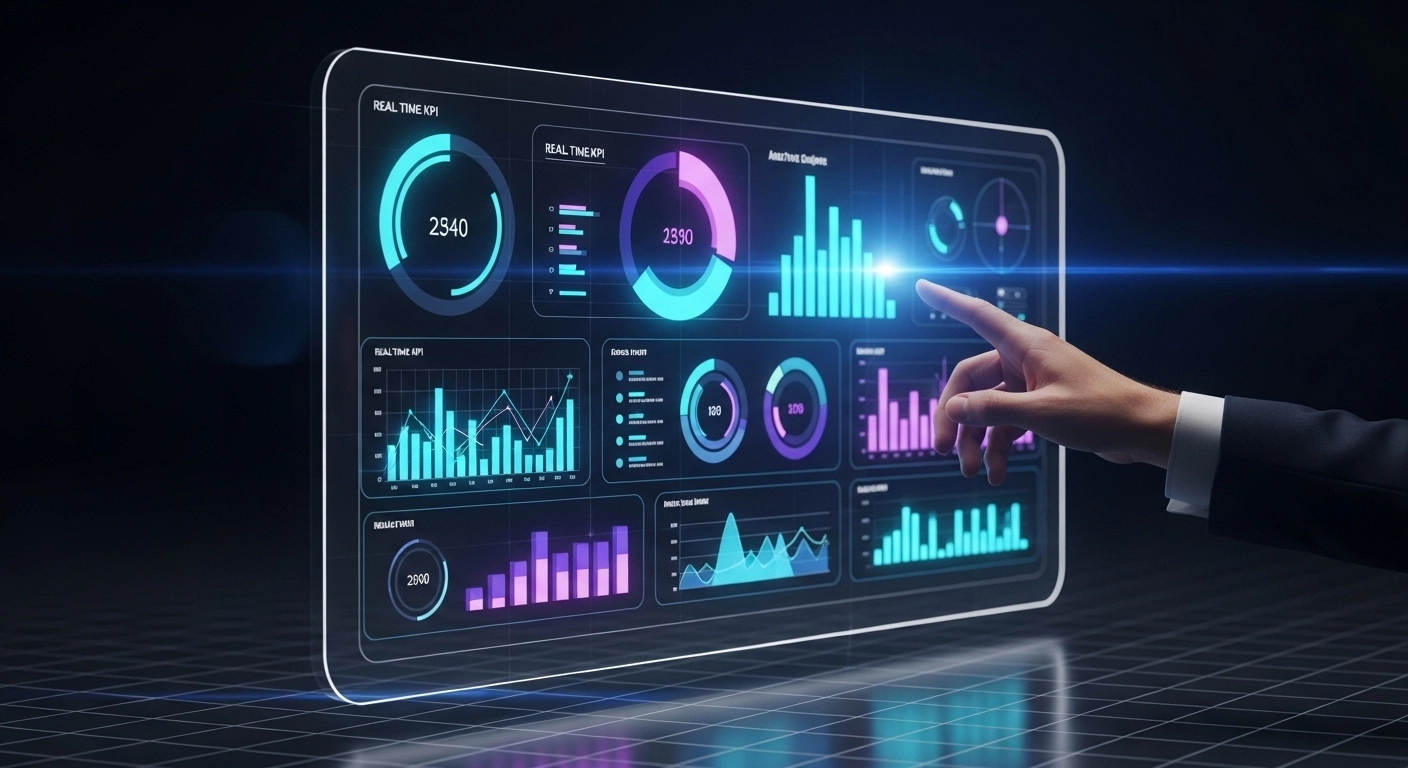
Unlock Insights with Real-Time KPI Dashboards
Key Performance Indicators (KPIs) are essential to track business progress. Real-time KPI dashboards help organizations monitor critical metrics and make data-driven decisions with confidence.
These dashboards integrate data from multiple sources—CRMs, ERPs, databases—and provide visual insights through tools like Power BI, Cube.js, and Flask dashboards. They answer questions like: Are we hitting our sales targets? What’s the customer churn this quarter? Where are costs spiking?
A well-designed dashboard simplifies decision-making. For example, a retail company might track daily sales, best-performing products, and low-stock alerts in real time. Managers can react instantly instead of waiting for end-of-month reports.
To build a dashboard, start with defining your key metrics. Next, use ETL pipelines to feed data into a central source. Tools like Power BI let you connect to these sources and create visuals—bar charts, gauges, maps—tailored to user needs.
Interactive features like filters and drill-downs make dashboards even more powerful. A sales head can view overall performance, then click to analyze regional trends or specific reps.
Real-time dashboards turn raw data into actionable knowledge. With proper governance and a good UX, they become the compass guiding business strategy.